Description
Objects can be rotated by selecting the object, clicking the rotation icon and dragging the mouse up or down, or by simply entering the rotation angle in the Inspector.

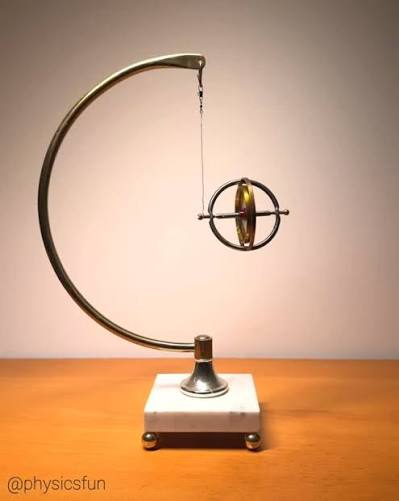
Objects can be rotated by selecting the object, clicking the rotation icon and dragging the mouse up or down, or by simply entering the rotation angle in the Inspector.
Reviews
There are no reviews yet.